
5 Mistakes You Make When Buying Furniture Without Planning the Space
The most common furniture buying mistakes: wrong dimensions, blocked doors, incorrect proportions. Learn how to avoid them with a simple room plan.
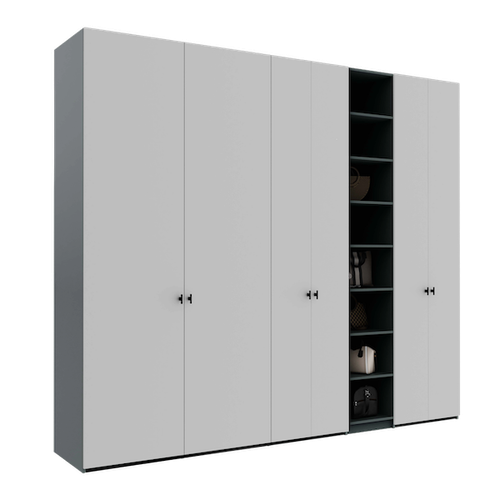
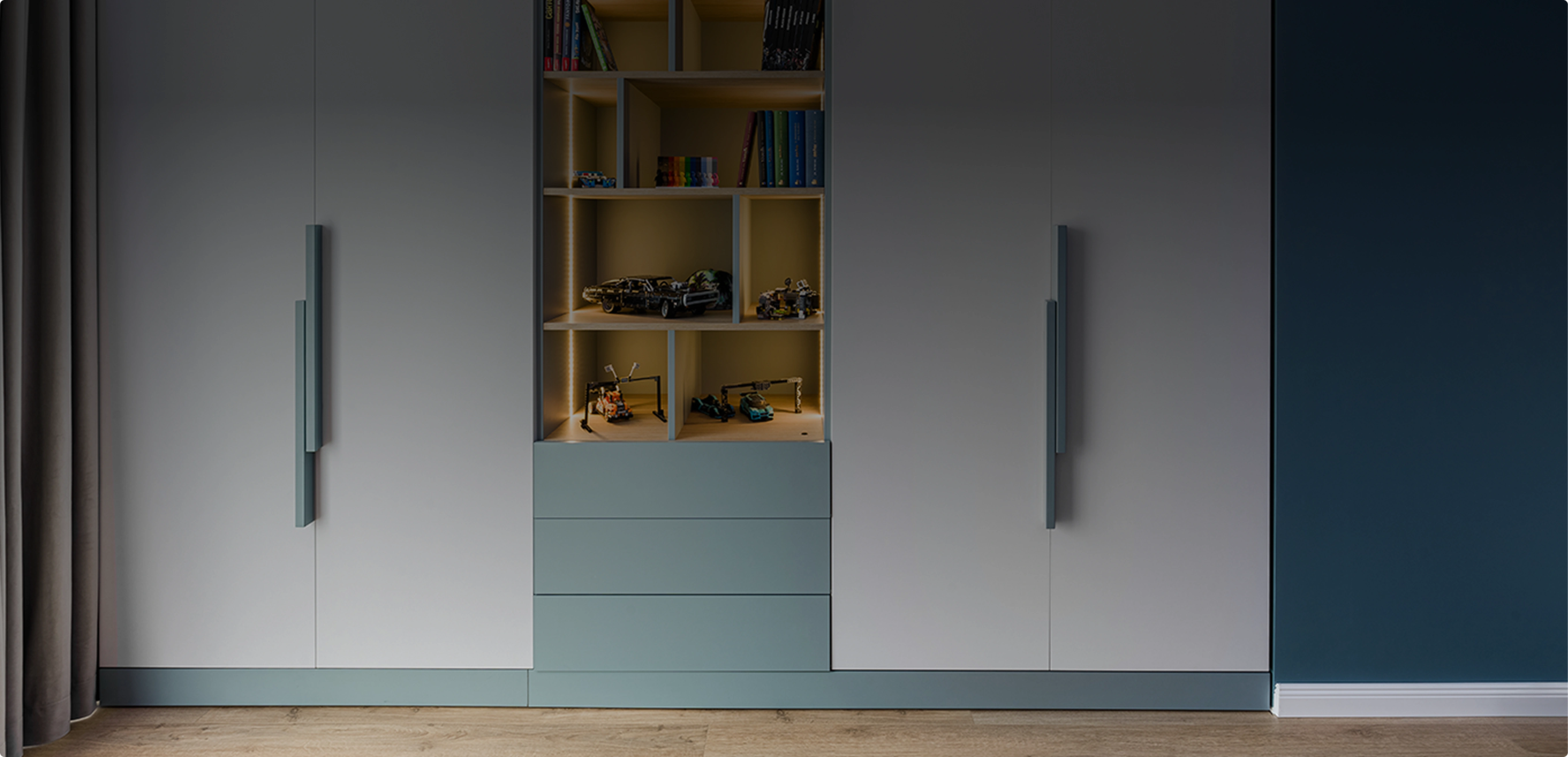
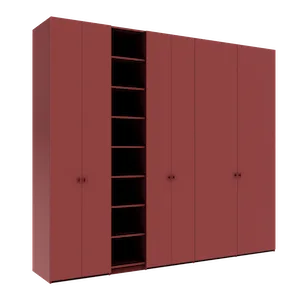
You configured a perfect wardrobe: carefully chosen materials, well-thought-out compartments, painted MDF doors in a shade that suits you. But when the assembly team arrives at your home, they discover the wardrobe blocks the window by 12 centimeters. Or that the room door no longer opens fully. Or that two separately ordered furniture pieces, placed side by side, look disproportionate.
These situations are more common than you might think. And they all share one root cause: the absence of spatial planning before ordering. Here are the five mistakes we see most often — and how you can avoid them.
Mistake 1: The Furniture Physically Does Not Fit
This is the most painful scenario. You measured the wall at 310 cm, ordered a 300 cm wardrobe, but forgot about the 15 cm deep radiator positioned 20 cm from the wall corner. Result: the wardrobe cannot be pushed fully against the wall, and an unsightly gap remains between it and the radiator.
Or you ordered a 260 cm tall wardrobe for a room with a 265 cm ceiling — but there is a 15 cm ceiling beam that drops down exactly above the wardrobe zone.
How Room Planner Prevents This Mistake
With the Téchne Room Planner, you draw the room with all obstacles: walls, pillars, beams, radiators. When you place furniture, you immediately see whether it fits or not. No mental calculations needed — everything is visual, at real scale, with centimeters displayed on screen.
Mistake 2: Furniture Blocks the Door or Window
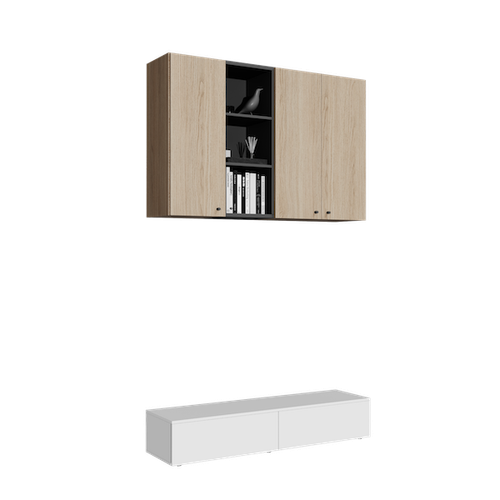
A wall cabinet placed too close to the room door can block its opening. A TV sideboard positioned below the window may prevent the inner pane from opening. A wall-mounted unit installed at the wrong height can end up right at sill level.
These conflicts are hard to anticipate mentally, especially when the room has multiple doors, windows, and furniture on several walls.
How Room Planner Prevents This Mistake
In the Room Planner, doors and windows are placed on walls with exact dimensions and positions. Doors even have an opening direction indicator. When you place furniture, you clearly see if it overlaps with a door or window. You can move the piece by a few centimeters, adjust its width in the configurator, or decide to choose a different wall.
Mistake 3: Proportions Between Pieces Are Wrong
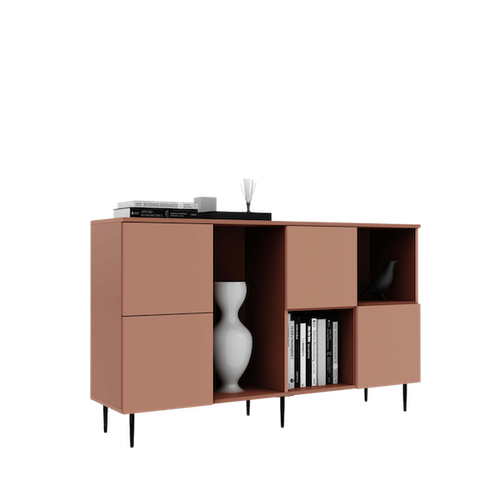
You have a 250 cm tall wardrobe and want to place a sideboard next to it. You choose one at 100 cm height — seems fine on paper. But in reality, the 150 cm difference creates an enormous visual imbalance. The room looks asymmetric, and the abrupt transition from tall to short can be aesthetically jarring.
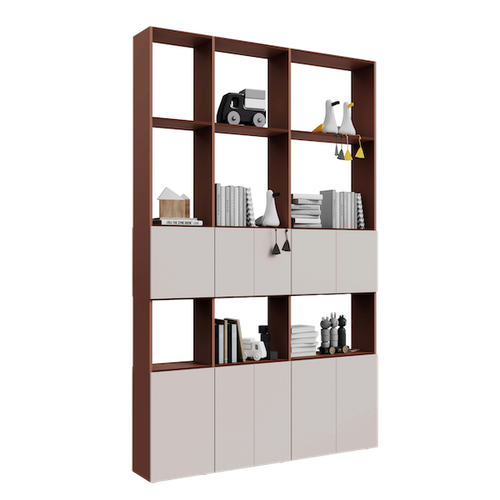
Proportions are even harder to evaluate when combining pieces of different widths. A 200 cm wardrobe next to a 40 cm shelf can look like a planning mistake, not an intentional arrangement.
How Room Planner Prevents This Mistake
The Room Planner displays all pieces at real scale, in the same 3D scene. You can rotate the view, look from above or from the side, and evaluate the visual composition before ordering. If proportions do not look right, modify the dimensions in the configurator and return — everything updates automatically.
Mistake 4: Colors and Materials Do Not Match in Context
A wardrobe in natural oak looks superb in the configurator, against a white background. But in a room with dark flooring and grey walls, it may get visually lost or create a chromatic conflict. Materials look different depending on lighting, wall colors, and surrounding furniture.
This mistake is subtle because each piece looks great individually — the problem only appears when you see them all together, in context.
How Room Planner Prevents This Mistake
While the Room Planner does not simulate photo-realistic textures of your room, it offers something equally valuable: an overview of all pieces together, at real scale. Each unit has its color, and you can evaluate whether the overall composition works. Combined with Téchne material samples that you can order physically, you get the full picture.
Mistake 5: Delivery Surprises — Cannot Transport or Assemble
A 300 cm wide wardrobe does not come in a single piece — it is assembled from multiple units. But an individual unit of 120 cm width and 260 cm height may be too large to fit through the entrance door (standard: 80 cm) or up the stairwell. If you did not account for these constraints, the assembly team will need to improvise — or, worst case, assemble the furniture in the hallway.
How Room Planner Prevents This Mistake
The Room Planner does not automatically calculate the delivery path, but it forces you to think spatially. When you see the wardrobe in the room — with the room door drawn on the 2D plan — you intuitively realize that the piece must pass through that door. And our transport guide helps you anticipate logistical challenges.
Conclusion: 5 Minutes of Planning Saves Months of Regret
All five mistakes above share one thing in common: they are completely avoidable. They do not require technical knowledge or interior design experience. They only require 5-10 minutes spent in the Téchne Room Planner — draw the room, place the furniture, and verify everything fits.
It is a small step that makes the difference between a pleasant buying experience and a stressful one. And if you need help, our team is available for consultation — send us your Room Planner layout and we will provide free feedback.