
Push to open: handleless furniture — how it works and when it fits
Push to open lets doors and drawers open with a light press. How it works, the minimum depth a unit needs and when handles are the better choice for you.
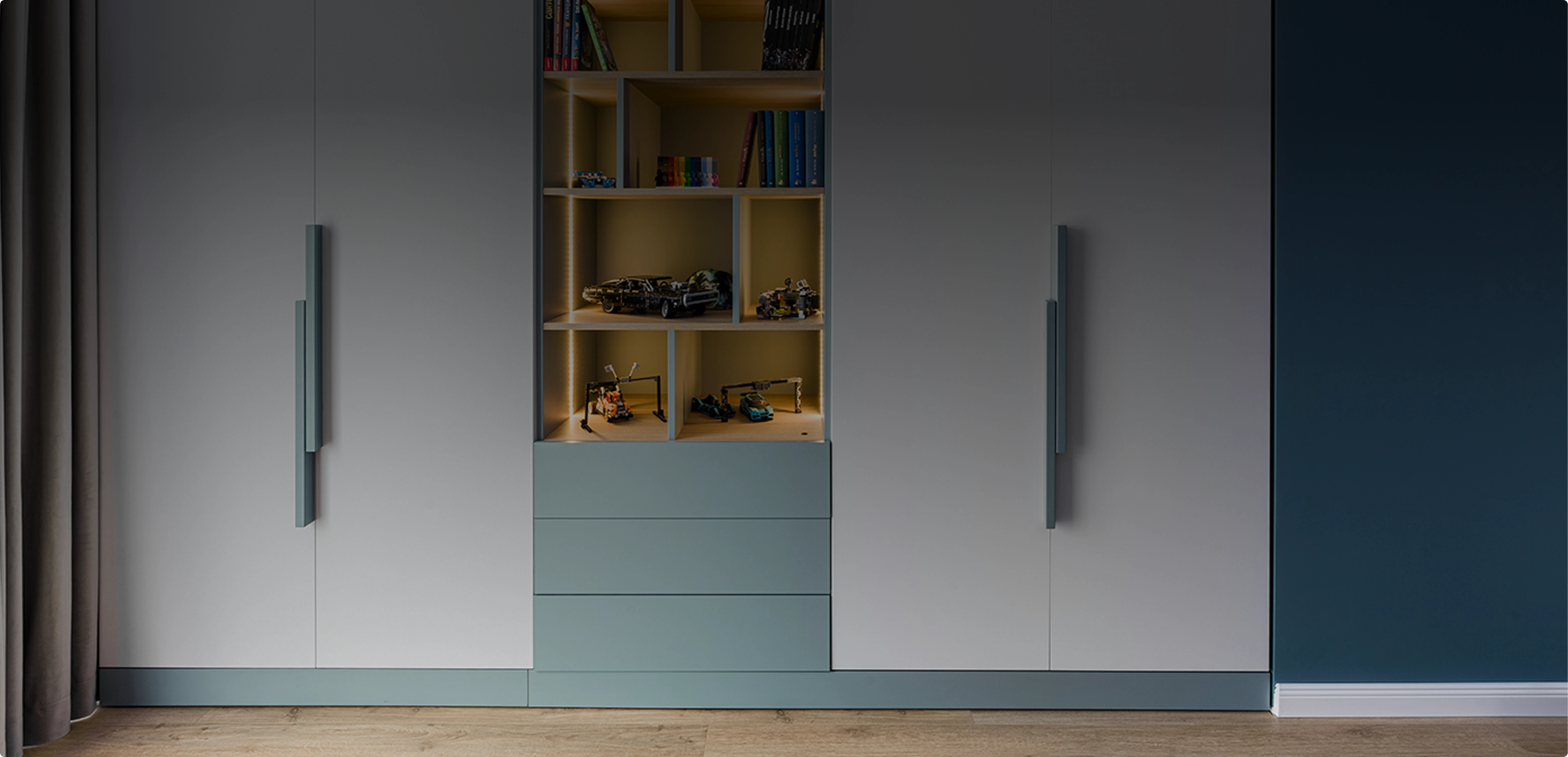
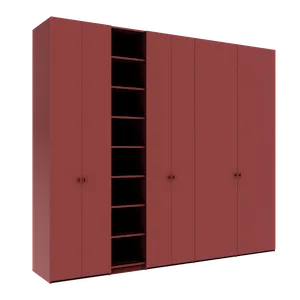
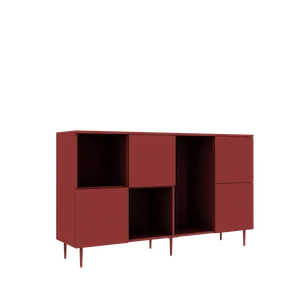
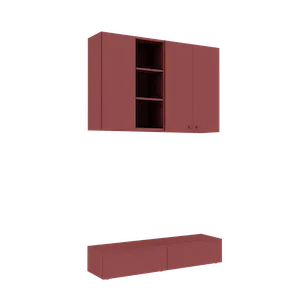
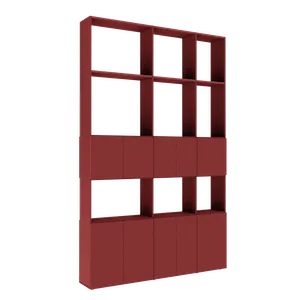
Fronts without any handle have been one of the most requested options in modern furniture for a few years now: wardrobes that look like a smooth wall, TV sideboards with a clean line, wall-mounted units that seem to float. The system behind this look is called push to open — you press the front and it opens by itself.
In the Téchne configurator you can choose it for doors and for drawers. Below we explain how it works, what you should know before choosing it and why, on very shallow units, the option appears disabled.
In short
- You press the front lightly and a mechanism inside the unit pushes it towards you; then you pull it by the edge.
- It works on doors and drawers. Each door and each drawer has its own mechanism, and on a double door each leaf has one.
- The mechanism is mounted inside the unit, so it needs a minimum depth.
- With an HDF back, the unit must be at least 13 cm deep; with a chipboard back, at least 16 cm.
- M 05 fronts (painted MDF with a routed grip) cannot take push to open.
How push to open works
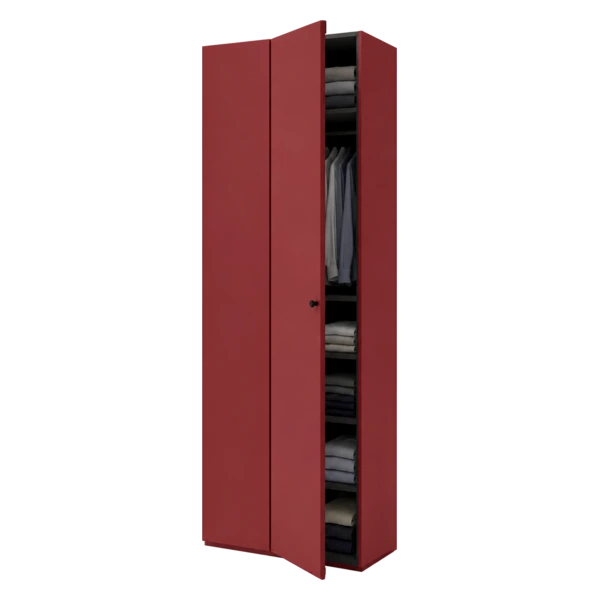
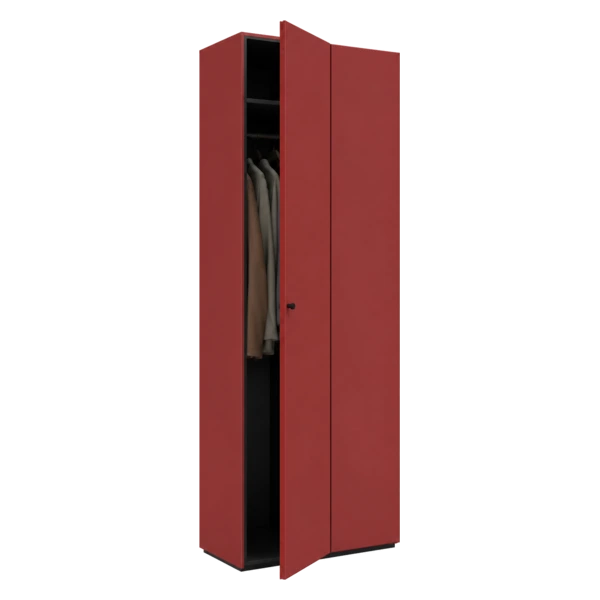
Behind the front, inside the unit, a small spring mechanism is fitted. When you press the door or drawer, the mechanism pushes it back towards you by a few centimetres — just enough to grab the edge and open it fully. To close it, you push the front back until it stays in place.
For you, this means nothing is needed on the face of the furniture: no knobs, no bars, no profiles. The fronts stay completely smooth, and the colour or decor you chose is the only thing you see.
The mechanism is automatically included in the configurator price: one for each single door or drawer, and one for each leaf of a double door.
Where it works best
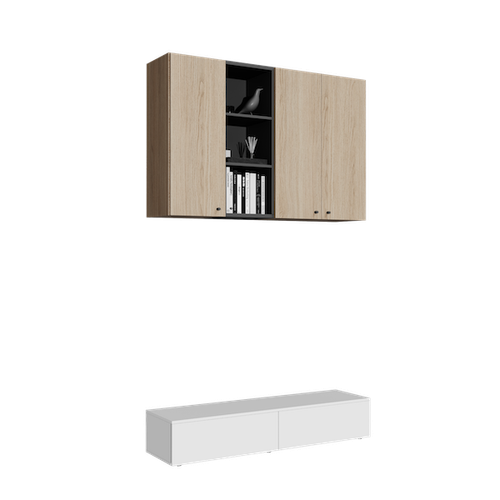
- Wall-mounted units and TV sideboards — a clean horizontal line is the whole point of these pieces. See also our guide to the TV wall and floating sideboard.
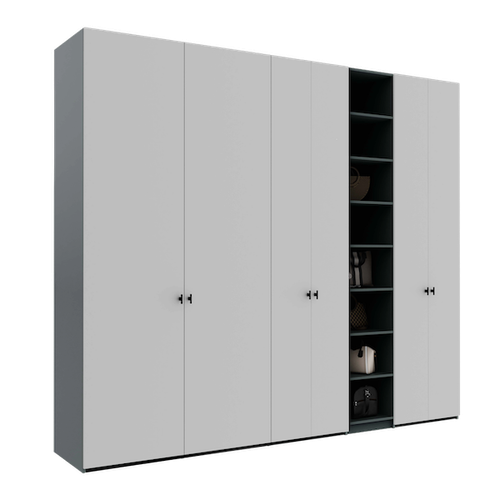
- Full-wall wardrobes — a continuous surface of handleless fronts turns the wardrobe into a wall.
- Narrow hallways — with no handles sticking out, you will not catch your bag or sleeve when walking past.
- Places where your hands are often full — a push front can be opened with your elbow or knee.
Why a minimum depth is needed
The push mechanism is 80 mm long and sits inside the unit, between the front and the back. To fit, the unit needs a minimum depth inside, i.e. after subtracting the thickness of the front and the back:
- with an HDF back (the thin board), the unit needs an external depth of at least 13 cm;
- with a chipboard back (the thick board, in the same material as the carcass), it needs at least 16 cm.
Most furniture — wardrobes, sideboards, wall units — is much deeper, so the limit only matters for very slim shelving and units, for example in hallways or small niches. If you are planning such a unit, our guide to narrow hallway wardrobes helps you balance depth against walking space.
What the configurator does when the unit is too shallow
Since October 2026, the configurator checks the depth for you:
- If the unit is shallower than the limit, the Push to open option under Opening type appears disabled, and below it a message tells you how much space the unit has inside and how much the mechanism needs.
- If you have already chosen push to open and then reduce the depth, you get a warning: the push no longer fits inside the unit.
There are three simple solutions: increase the depth of the unit by a few centimetres, choose handles, or go without them altogether. Sometimes switching the back — from chipboard to HDF — is enough for the push to fit again.
What to consider before choosing push to open
- Fronts get touched more often. You press the front every time, so fingerprints show more easily on glossy surfaces. Ultra-matt laminated MDF fronts have an anti-fingerprint finish, which makes them a good match for push.
- It opens with a simple press. That is an everyday advantage, but small children also quickly discover how the doors open.
- Mind where you lean. If you tend to lean on furniture — a hallway sideboard, for example — a push front may open unintentionally.
- M 05 has its own grip. M 05 fronts have the grip routed directly into the front, so they take neither handles nor push to open. Details in our article on the M 05 and R 01 fronts.
Push to open or an edge profile?
If you want almost handleless fronts but prefer to pull the door rather than press it, the alternative is the aluminium profile mounted on the edge: a thin line of metal along the edge of the front, with no mechanism and no depth limit. For an overview of all handle types, read our guide to handles and knobs as well.
How to choose push to open in the configurator
- Open the configurator and set the dimensions — including the depth.
- Add your doors and drawers.
- In the handles menu, under Opening type, choose Push to open.
- If the option is disabled, read the message below it and increase the depth or change the back of the unit.
- Check the final look in 3D: completely smooth fronts, with nothing sticking out.
Push to open is the simplest route to minimalist furniture. Try it on your own project in the Téchne configurator and compare it in 3D with the version with handles.