
Aluminium edge profile handles: the discreet choice for doors and drawers
The aluminium profile mounted on the front edge: four finishes, three lengths, no routing. Where it sits on doors and drawers, and why double doors get one.
Some furniture should let the fronts speak for themselves: a beautiful colour, a wood decor, a matt surface. A classic handle fixed to the face of the door interrupts the picture. Push to open keeps it clean, but not everyone wants to press a door to open it. In between sits the aluminium profile mounted on the edge — a handle that lives on the edge of the front, not on its face.
In the Téchne configurator you will find it in the handles menu, with its own technical sheet. Below we explain what it looks like, which versions exist, where it sits on doors and drawers, and what changed in October 2026 for double doors.
In short
- The profile is mounted on the edge of the front, with screws through the back — no routing, so the face of the front stays smooth.
- It is made of aluminium, in four finishes: aluminium, stainless steel, matt black and matt gold.
- It comes in three lengths: 120 mm, 300 mm and 1200 mm.
- A double door gets a single profile, at the joint between the leaves, on the right-hand leaf.
- You pick it from Handles → colour → Models; the “i” button opens the technical sheet.
What an edge profile actually is
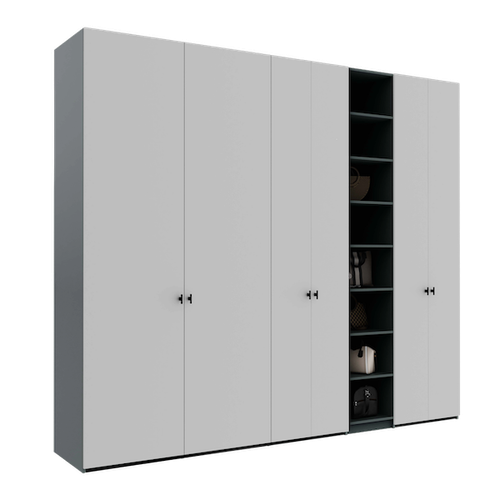
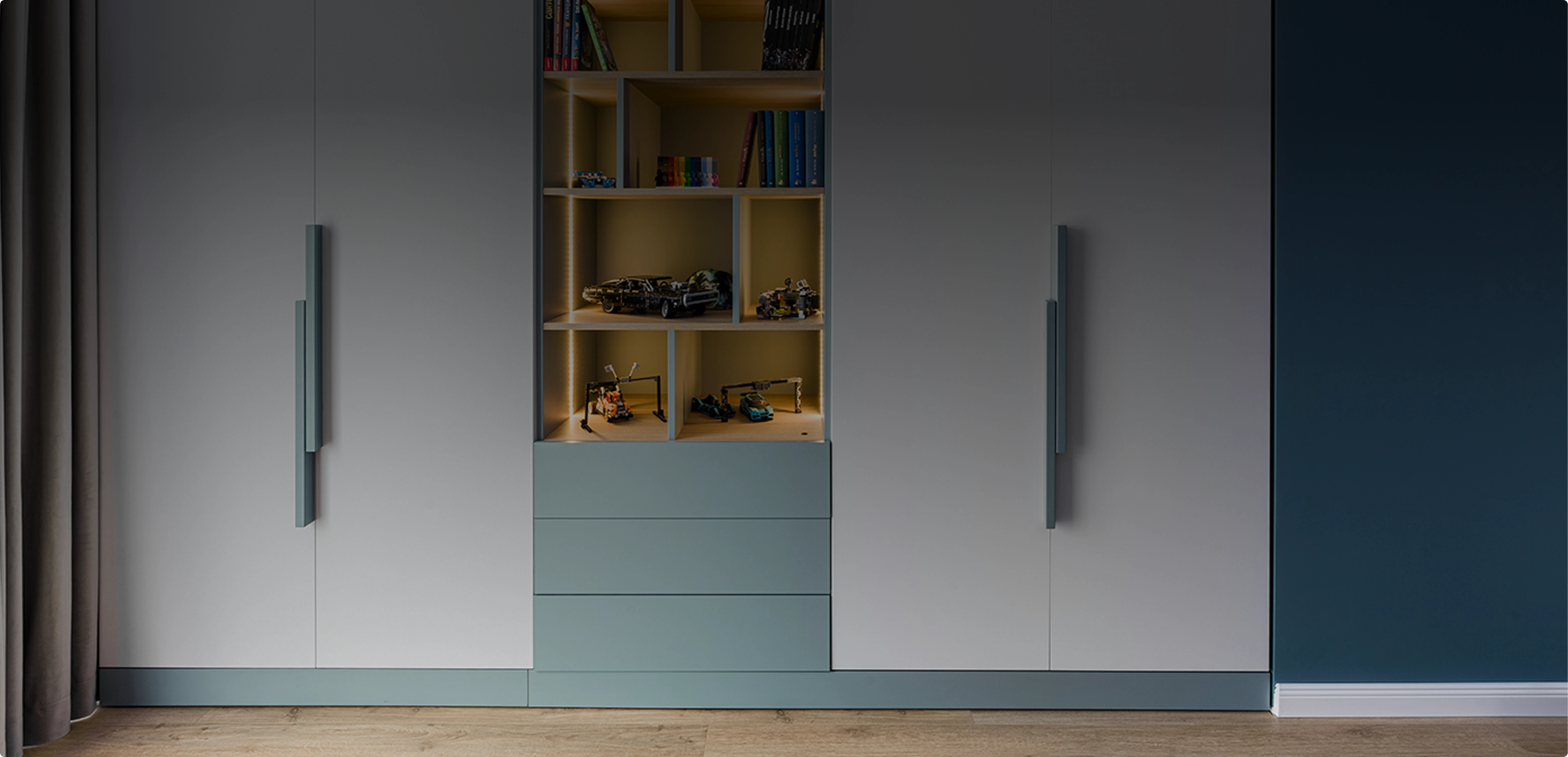
A regular handle — a knob or a bar — is fixed to the face of the door and sticks out a few centimetres. An edge profile is fixed to the edge of the front, i.e. along the thickness of the board. Seen from the front, the furniture looks almost handleless: you only notice a thin line of metal along the edge of the door or drawer. Your fingers grip the profile from the side or from above, and the door is pulled open normally, with no mechanism involved.
Fitting is simple and clean: the profile is fixed with screws through the back of the front, so the board does not need to be routed. No screw shows on the face of the door, and the front material stays intact — whether it is melamine-faced chipboard, laminated MDF or painted MDF.
Four finishes and how to pair them
All profiles are aluminium, in four finishes:
- Aluminium — the natural tone of the metal, discreet on white, grey or light wood fronts.
- Stainless steel — a silvery tone that works next to appliances or other metal accessories in the room.
- Matt black — almost disappears on dark fronts and gives light fronts a graphic outline.
- Matt gold — the warm accent, great on green, blue or matt black.
In the configurator you first choose the colour (Silver, Gold or Black), then the model from the list. If you are working with matt fronts, you will find tested combinations in our guide to handles for matt fronts.
Three lengths: 120, 300 or 1200 mm
Length completely changes how the piece looks:
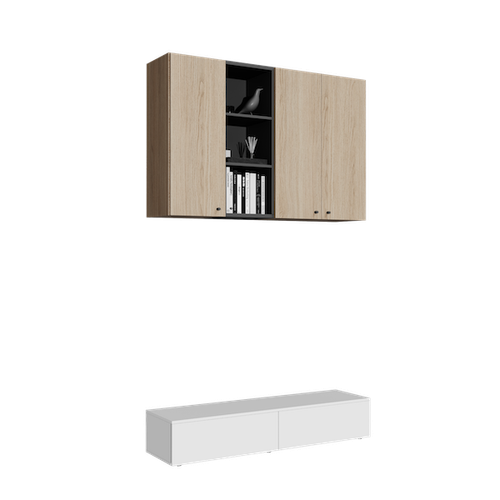
- 120 mm — a short, barely visible handle. Very good on drawers, sideboards and the small doors of wall-mounted units.
- 300 mm — the “door” length: easy to grip with your whole hand and still discreet on ordinary wardrobe doors.
- 1200 mm — a long vertical line that becomes a design element. On tall wardrobes and walk-in closets it underlines the vertical and makes the furniture look taller.
There is no fixed rule — it is a matter of style. A practical tip: keep the same length on all doors of the same height, and use the short version on drawers. That way the piece looks consistent.
Where the profile sits on doors and drawers
The configurator positions the profile automatically, and the 3D view shows exactly where it will be:
- On hinged doors, the profile sits on the edge on the opening side (opposite the hinges). When the door is tall enough, its centre ends up about 100 cm above the base of the unit — a comfortable height for your hand.
- The 1200 mm version starts at the bottom edge of the door and runs up along it.
- On drawers, the profile sits on the top edge of the front, centred.
- On flap doors, the profile sits on the opening side.
Double doors: one profile, at the joint
On double doors, classic handles go one on each leaf. With an edge profile it is different: since October 2026, a double door gets a single profile, at the joint between the two leaves, on the right-hand leaf — both in the 3D view and in the price.
The reason is manufacturing: two profiles mounted face to face on the two leaves would have required too large a gap between the doors. With a single profile, the leaves stay close together and the line between them looks clean. As with many double doors that have one handle, you open the leaf with the profile first, then the other one.
When a profile is NOT possible
Painted MDF fronts in the M 05 design have the grip routed directly into the front, so they do not take additional handles (neither a profile nor push to open). If you like the idea of an “integrated handle”, M 05 is the other option worth considering — it is explained in our article on the M 05 and R 01 fronts.
Edge profile, classic handle or push to open?
- A classic handle is the easiest to grip and becomes a decorative accent. Right for you if you want the handles to be seen.
- An edge profile keeps the face of the front free, but the door still opens by pulling — no mechanism, no pressing.
- Push to open removes the handle completely: you press the front and it opens by itself. It does, however, need a minimum unit depth, and the fronts get touched more often.
How to choose it in the configurator
- Open the configurator and add your doors or drawers.
- In the handles menu, under Opening type, choose Handles.
- Select the colour, then the profile in the length you want from Models.
- Press “i” on the model to see its sheet: length, hole spacing, colour, material and mounting. More about these sheets in our technical sheet guide.
- Rotate the 3D model and check the position of the profile on every door and drawer.
The aluminium edge profile is a good choice if you want visually calm furniture with a simple pull-to-open action. Try it on your own project in the Téchne configurator and compare it in 3D with the other handle options.