
How to Configure a Wardrobe Online — Step-by-Step Guide
Complete step-by-step guide: how to configure a wardrobe or dressing unit online, from measuring your space to 3D visualization, choosing materials and placing your order. No showroom, no designer needed.
Configuring a wardrobe online means you can design furniture to the exact dimensions of your space, choose materials and colors, visualize the result in 3D and see the final price — all from home, without a showroom appointment and without waiting for a designer's quote. In this guide we show you step by step how the process works in the Téchne configurator, from the first measurement to placing your order.
Why configure your wardrobe online instead of visiting a showroom?
The traditional method — showroom visit, consultation with a sales rep, waiting 3-5 days for a quote — works, but has three major disadvantages:
- You don't see the final product — you receive a 2D sketch or text description, and the actual result may differ from what you imagined
- You don't control the price in real time — every change (material, dimension, accessory) requires manual recalculation
- You're limited to showroom hours — you can't configure on Sunday at 10 PM when you actually have time
An online configurator like Téchne's solves all three: you see the 3D model with every change, the price updates instantly, and the app is available 24/7 from any device.
Step 1: Measuring your space
Before opening the configurator, you need three essential measurements:
- Width — the distance between side walls (or between a wall and other furniture). Measure at three points: floor, middle and ceiling. Use the smallest value.
- Height — from floor to ceiling (or to the bottom of a beam, if you have beams). Measure at minimum two points: left and right. Again, use the smallest value.
- Depth — how far into the room the wardrobe can extend. Standard: 60 cm for wardrobes with perpendicular hangers, 45 cm for hallway cabinets, 35-40 cm for sideboards. Check that you don't block outlets, switches or radiators.
Use a laser distance meter for precision (plus or minus 1 mm). A tape measure introduces errors of 5-10 mm over longer distances. Note all dimensions in centimeters.
For a detailed measuring guide, read How to correctly measure space for a wardrobe.
Step 2: Choosing the furniture type
Open the Téchne configurator and choose the product category. Main options include:
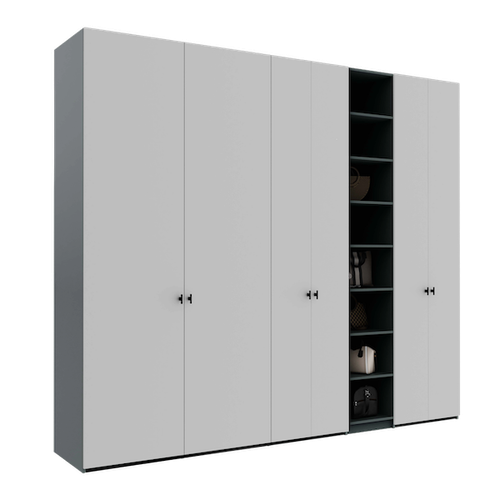
- Wardrobe / Dressing unit — with hinged or sliding doors, for bedroom, hallway or dedicated dressing room
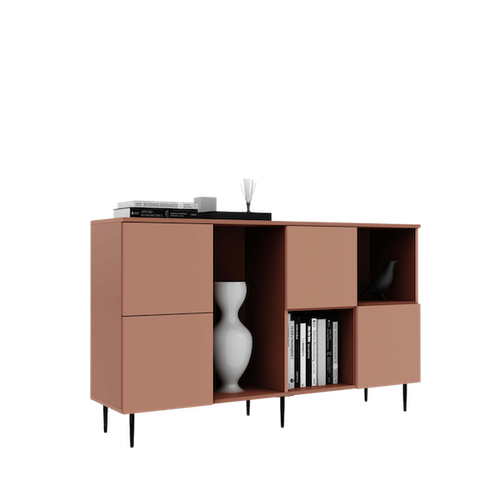
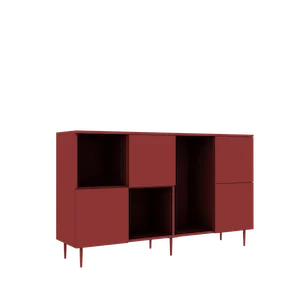
- Sideboard — with drawers and/or doors, for bedroom or living room
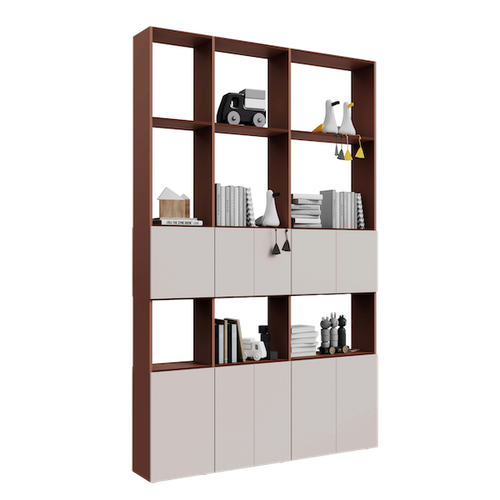
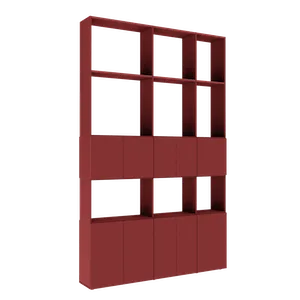
- Bookcase / Shelf — open and/or closed compartments, for living room or office
- Room divider — furniture accessible from both sides, for dividing open spaces
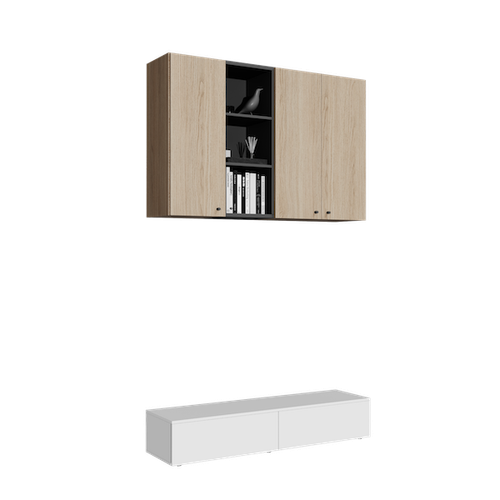
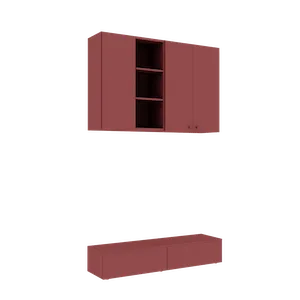
- Wall-mounted cabinet — mounted on the wall, no floor contact
Each furniture type has its own specifications — minimum and maximum depth, door options, available accessories. The configurator only displays options compatible with the chosen type.
Step 3: Configuring dimensions to the centimeter
This is the moment you enter the measurements from Step 1. In the Téchne configurator, each dimension is set to the centimeter:
- Width: from 30 cm to 275 cm
- Height: from 30 cm to 275 cm
- Depth: from 20 cm to 75 cm
Changing any dimension instantly updates the 3D model and price. You can experiment freely — increase the width by 10 cm, see how the price and appearance change, then revert if you're not satisfied. The configurator automatically validates dimension combinations and warns you if a proportion is not structurally sound (for example, a very wide and very thin wardrobe).
After the outer dimensions, you configure the interior compartmentalization: number of columns, shelf positions, presence of drawers, clothes rail. Each compartment can be adjusted individually.
Step 4: Choosing materials and finishes
Materials define the appearance, durability and price of the furniture. At Téchne, you have three main categories:
Melamine chipboard
The most popular material for the body and interiors. Available in dozens of decors — from white, oak and walnut to concrete, anthracite grey or matte black finishes. Scratch-resistant, easy to maintain, excellent value for money.
Painted MDF
Smooth surface, painted with polyurethane lacquer in 49 RAL and NCS colors. Two finishes: Soft Touch (ultra-matte, velvety, anti-fingerprint) and High Gloss (ultra-glossy, mirror effect). Ideal for fronts (doors, drawers). Read the complete painted MDF and ribbed MDF guide.
Ribbed MDF (fluted)
MDF with parallel milled grooves, painted in the same RAL/NCS colors. Adds texture and depth — a top trend in 2026 interior design. Available models: Rf 01, Rf 02.
In the configurator, you select the material for each component separately: body, fronts (doors), drawers. You can combine — for example, oak chipboard body with white Soft Touch painted MDF fronts.
Step 5: 3D visualization and augmented reality (AR)
With every change, the configurator generates an interactive 3D model that you can:
- Rotate 360 degrees — view the furniture from any angle
- Open doors and drawers — check the interior compartmentalization
- Change perspective — zoom in for details or zoom out for an overview
If you are on your phone, you can activate the AR (augmented reality) feature to place the virtual wardrobe in your real room. The phone uses the camera to detect the floor and walls, and you see the furniture at real scale, exactly where it will be installed. This feature helps you evaluate proportions, check that you are not blocking a door or radiator, and show your family what the final result will look like. Learn more about the AR feature.
Step 6: Price, save and order
The price updates in real time with every change. It includes:
- All selected materials and finishes
- Hafele hardware (soft-close hinges, damped drawer slides)
- Pall-Ex pallet transport throughout Romania
- Professional assembly at your home
- 5-year warranty on structure and hardware
Before ordering, you can save the configuration — you receive a unique link that you can access anytime, from any device. You can send the link to family or a friend for a second opinion. When you are satisfied, add to cart and complete the order online.
The production time is 2-3 weeks from order confirmation, and Pall-Ex delivery takes 1-3 business days depending on location.
Tips and tricks
- Save multiple variants — configure 2-3 different options (materials, compartmentalization) and compare prices and appearance
- Use AR in the actual room — don't rely only on the 3D model on screen; place the virtual furniture in the room where it will be installed
- Double-check dimensions — a 2 cm error in width can mean a wardrobe that doesn't fit in the niche; measure twice, order once
- Think about contents — how many clothes do you have on hangers? How many linens? How many shoes? Compartmentalization should reflect what you actually store
- Leave 1-2 cm margin — if the niche is 180 cm, configure the wardrobe at 178-179 cm; the assembly team needs maneuvering space
- Ask for free help — if in doubt, the Téchne team offers free configuration assistance by phone or WhatsApp
Frequently asked questions
How long does it take to configure a wardrobe online?
A complete configuration (dimensions, materials, compartmentalization, doors) takes an average of 15-30 minutes. If you have your measurements ready and know which materials you want, you can finish in 10 minutes. The configuration is saved automatically — you can return anytime to modify it.
Do I need technical knowledge to use the configurator?
No. The Téchne configurator is designed for users without technical experience. The interface guides you step by step, automatically validates dimensions and displays warnings if a combination doesn't work structurally. If you need help, assistance is free.
What happens if the dimensions are wrong?
Custom furniture is manufactured to the dimensions entered in the configurator. That is why correct measuring is essential. Use a laser distance meter, measure at minimum 3 points (top, middle, bottom) and use the smallest value. If in doubt, the Téchne team can verify dimensions with you before starting production.
Can I modify the order after placing it?
Modifications are possible within the first 24 hours after placing the order, before production starts. After production begins, modifications are not possible without additional costs. That is why we recommend saving the configuration, reviewing it the next day with fresh eyes, and only then ordering.