
How Does the 3D Furniture Configurator Work? Step-by-Step Guide
Learn how to use the Téchne 3D configurator to design your custom furniture: dimensions, compartments, materials, and real-time pricing.
The 3D configurator has revolutionized how we order custom furniture. Instead of relying on hand-drawn sketches or your imagination, you can now see exactly what the piece of furniture will look like, modify it in real time, and get a precise price — all from the comfort of your home. In this guide, we explain step by step how the Téchne 3D configurator works.
Step 1: Choose the Furniture Type
The first step is to select what type of piece you want to configure. The Téchne configurator supports multiple categories:
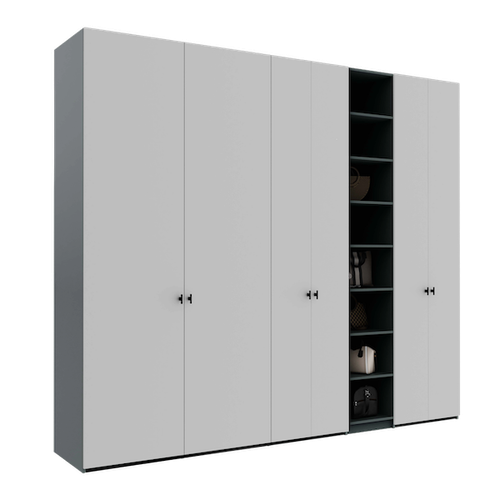
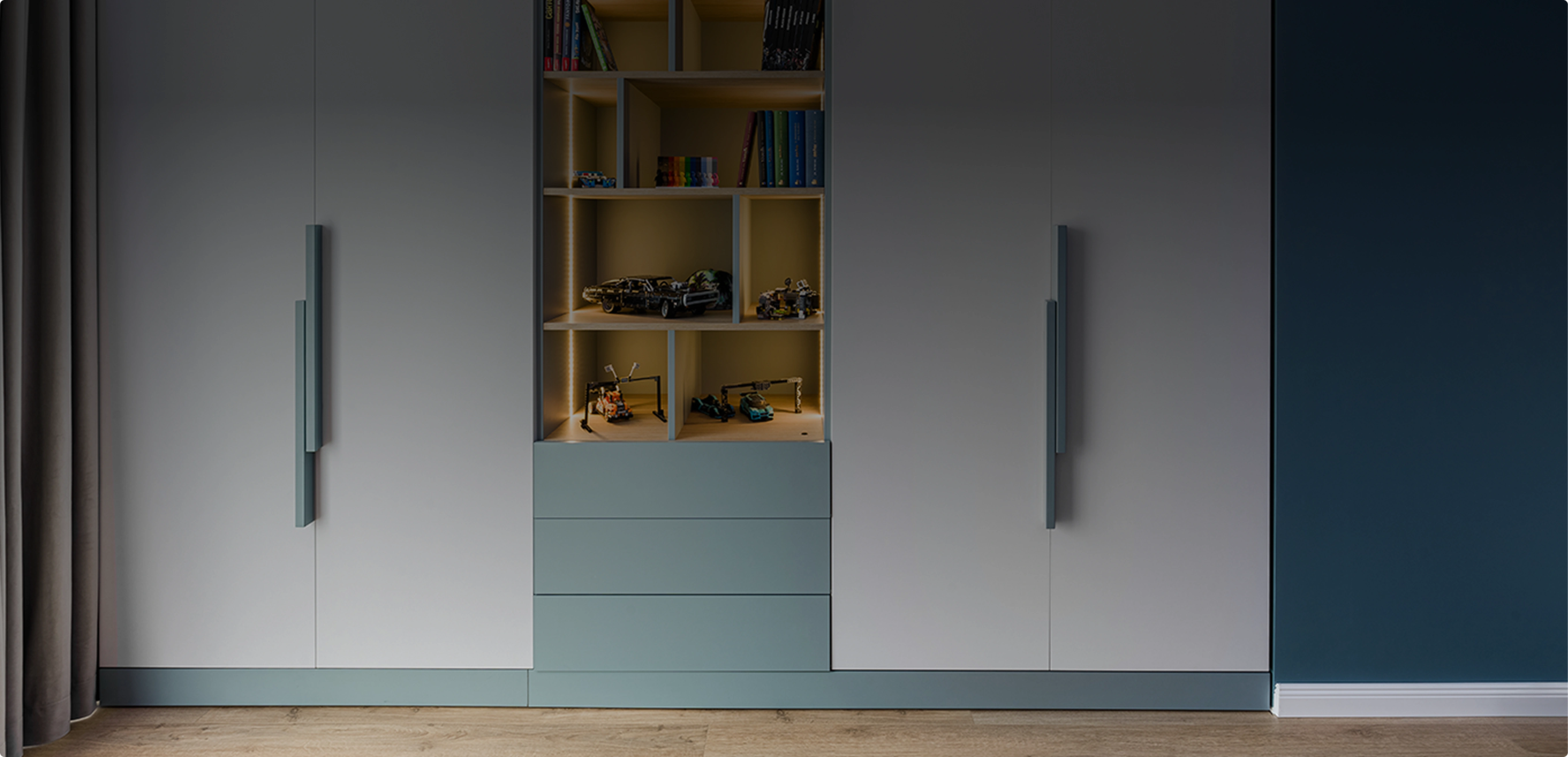
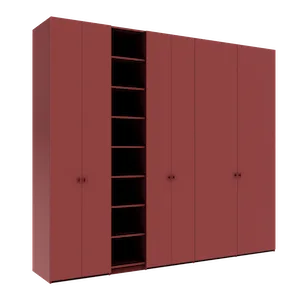
- Wardrobes and dressing rooms — from simple wardrobes to complex dressing rooms with multiple compartments
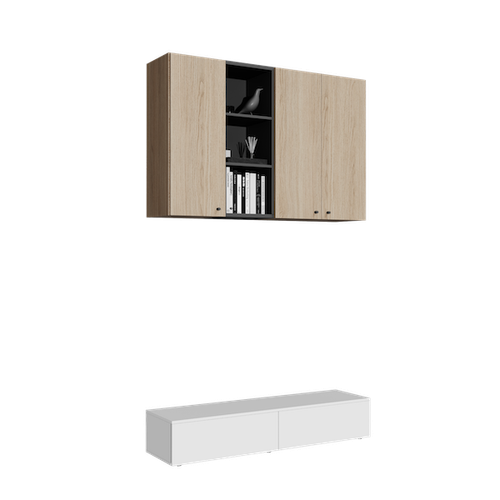
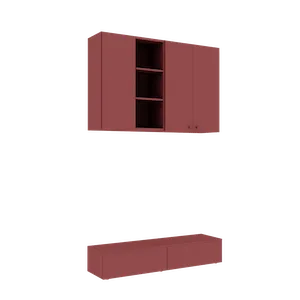
- Wall-mounted cabinets — for kitchen, bathroom, hallway, or above the desk
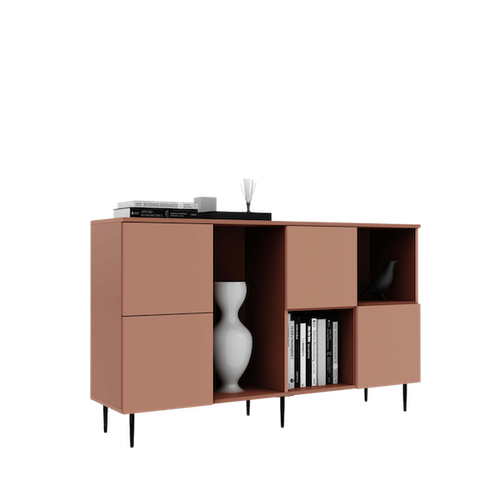
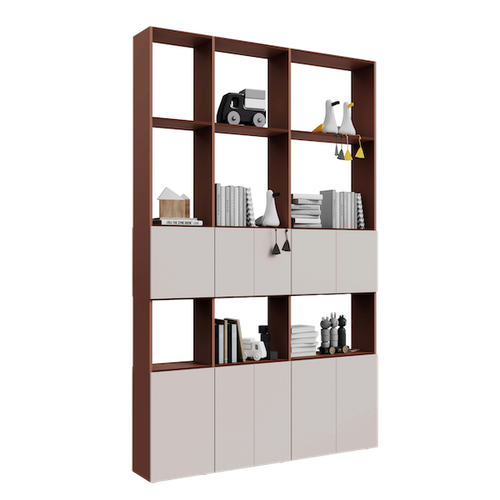
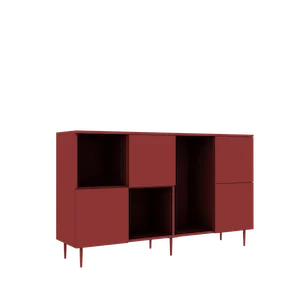
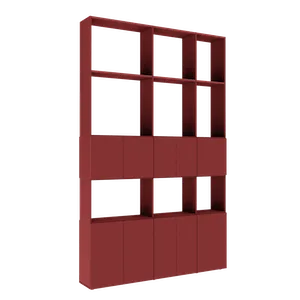
- Living room furniture — bookcases, sideboards, TV units
Each category comes with predefined templates that you can fully customize, or you can start from scratch.
Step 2: Set the Dimensions
Enter the exact dimensions of your available space: width, height, and depth in centimeters. The configurator automatically adapts and shows you a 3D representation at real scale. If you measured a space of 247 cm wide and 261 cm tall, enter exactly these values — the furniture will be manufactured to the millimeter.
This is the fundamental difference from standard flat-pack furniture, where you are limited to fixed dimensions like 200x220 cm and left with empty gaps.
Step 3: Configure the Compartments
This is where the creative part begins. You can add and arrange:
- Vertical columns — divide the furniture into sections of different widths
- Horizontal shelves — at desired heights, adjustable to your needs
- Clothing rails — for clothing sections, at single or double height
- Drawers — internal or external, with Hafele soft-close slides
- Accessories — trouser racks, organizers, LED lighting
Each element can be moved, resized, or deleted with a simple click. The configurator shows you in real time how the structure changes.
Step 4: Choose Colors and Materials
Select from the available material palette:
- Body — white, oak, walnut, anthracite grey, and other options
- Fronts (doors) — can be different from the body for contrast
- Handles — various styles, from modern to classic, or the handleless option (push-to-open)
The 3D visualization updates instantly, so you can see the exact color combination before ordering.
Step 5: Choose the Door Type
The Téchne configurator offers hinged doors — the classic and most reliable solution. Hafele hinges with damping ensure silent closing and an extended lifespan. You can choose the number of doors, opening direction, and front style.
Step 6: Visualize and Rotate in 3D
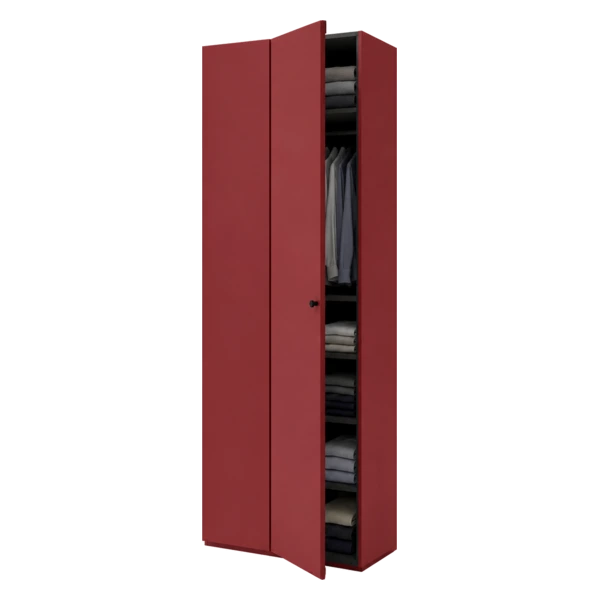
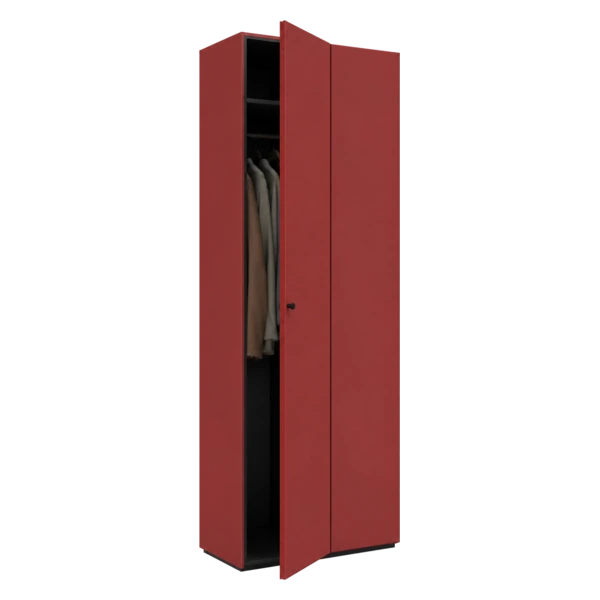
Once you have configured the piece, you can rotate it 360 degrees, zoom in on details, and see the interior with doors open. This visualization gives you a clear picture of the final product, eliminating delivery surprises.
Step 7: See the Price in Real Time
As you add or modify elements, the price updates automatically. You can experiment with different configurations until you find the perfect balance between functionality, aesthetics, and budget. Every shelf, drawer, or material change is immediately reflected in the price.
Benefits of Online Configuration vs. Traditional Ordering
In the traditional model, you travel to a showroom, discuss with a consultant, wait for a quote, and hope the final result meets your expectations. With the 3D configurator:
- Save time — configure from home, at any hour
- Have total control — you decide every detail, not a salesperson
- See transparent pricing — no surprises or hidden costs
- Experiment freely — try dozens of variants without pressure
- Receive exactly what you see — production is based on your digital configuration
Start Configuring Now
You do not need technical knowledge or interior design experience. The Téchne configurator is intuitive and guides you at every step. Open the 3D configurator and create the perfect furniture for your space in just a few minutes.
What Types of Furniture You Can Configure
The Téchne configurator covers all major home furniture categories:
- Wardrobes and dressing rooms — from simple bedroom wardrobes to complex dressing rooms with multiple compartments, double rails, internal drawers, and organizing accessories. Widths from 40 cm to 600 cm.
- Sideboards and bookcases — TV units, drawer sideboards, floor-to-ceiling bookcases, or modular living room furniture. Ideal for living spaces.
- Wall-mounted cabinets — for kitchen, bathroom, hallway, or above the desk. Free dimensions and compartments, with rail or hidden bracket mounting.
- Room dividers — bookcases or shelving accessible from both sides, perfect for open-plan spaces or for functionally dividing a large room.
Each category offers the same customization options: dimensions to the centimeter, materials from the full palette, premium Hafele hardware, and real-time 3D visualization. After you finalize the configuration, the order enters a manual verification process: a human operator reviews it point by point before launching production.
Advanced Configurator Features
Beyond the basic steps, the Téchne configurator includes advanced features that simplify the design process: Among the most important: automatic validation of every choice. The system checks dimensions, material compatibility, and structural integrity in real time — it won't let you make mistakes.
- Obstacle adaptation — if you have a ceiling beam or a wall niche, you can adjust the top panel on each column independently, creating a shape that goes around any obstacle. Read more in our guide about wardrobes that go around beams.
- Column copying — after configuring a column with shelves, rails, and drawers, you can copy the exact same structure to other columns, saving time.
- Undo / Redo — every action can be undone or redone, so you can experiment without fear of losing your previous configuration.
- Augmented reality (AR) — after configuring, you can see the furniture in your actual room through your phone camera using the integrated AR feature.
- Save and share — your configuration receives a unique link that you can send to family or friends for feedback, or access later from another device.