
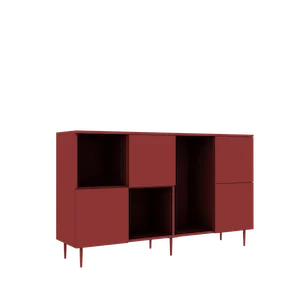
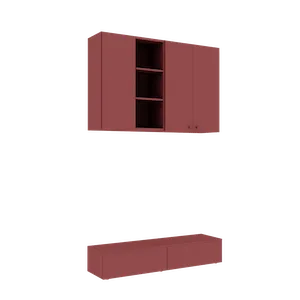
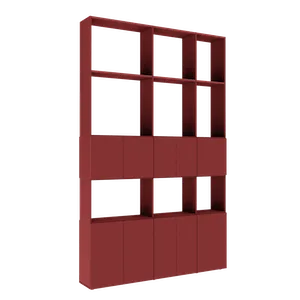
AR Furniture — See Your Configured Wardrobe in Your Room with Augmented Reality
How augmented reality (AR) works for furniture at Téchne: configure in 3D, export the model, and place it in your real room through your phone camera. Step-by-step guide.
The biggest fear when ordering furniture online is uncertainty: will it look good in my room? Will it fit with the wall? Will the color match the flooring? Augmented reality (AR) completely eliminates this concern. With the AR feature in the Téchne configurator, you can see exactly how the configured furniture will look in your real space, before placing the order.
What is augmented reality (AR) for furniture?
Augmented reality overlays virtual objects onto the real image captured by your phone or tablet camera. Specifically, in the furniture context:
- You configure a wardrobe, sideboard, or room divider in the Téchne 3D configurator
- You export the configured 3D model
- You open your phone camera and place the virtual model directly in your room
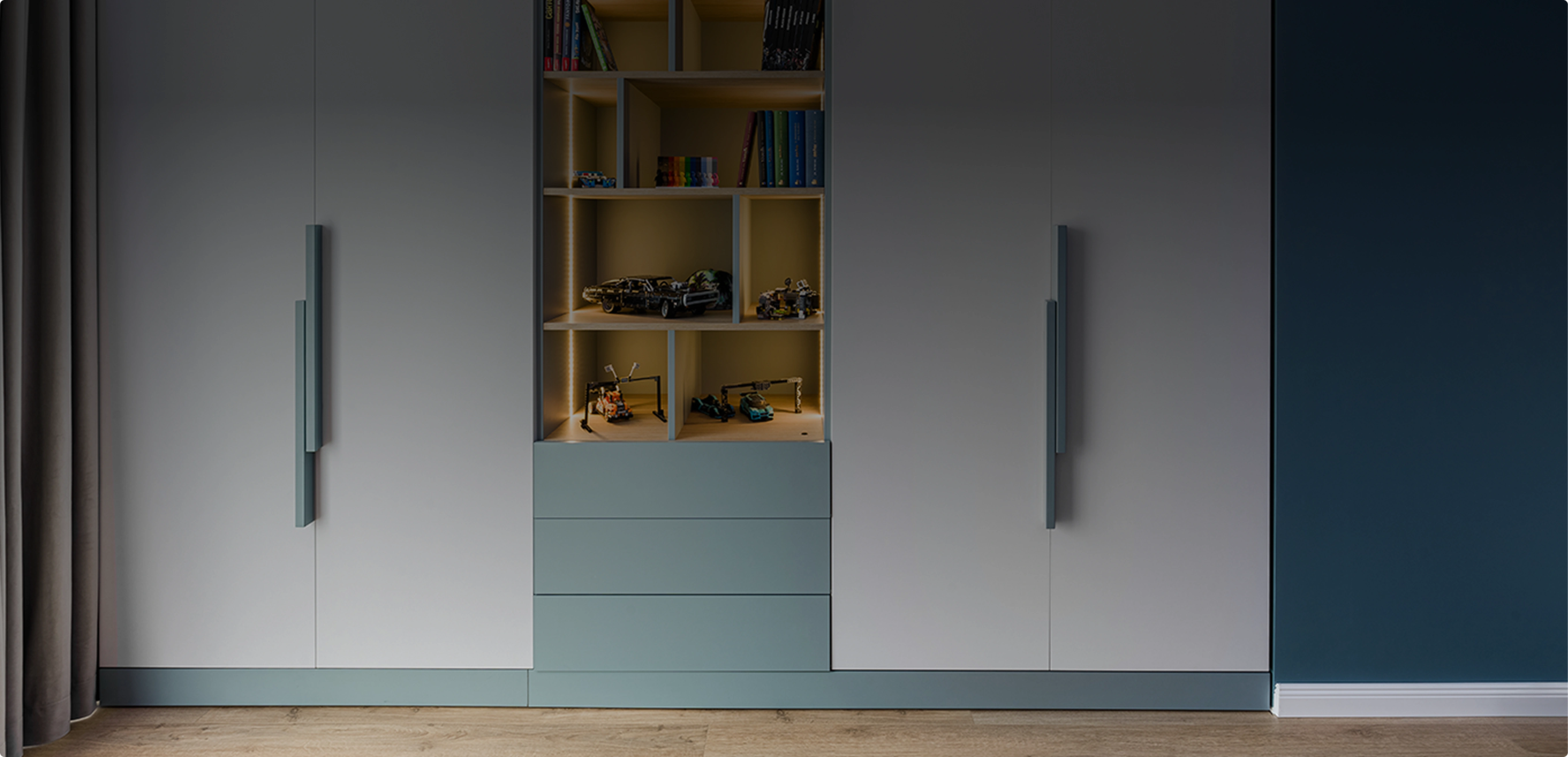
- The furniture appears at real-life dimensions, on the floor, in the context of your room — next to the bed, on the bedroom wall, in the hallway
It is not a simple photo montage — it is an interactive experience where you can walk around the virtual furniture, get closer, and see how the real light in your room interacts with the chosen materials.
How AR works in the Téchne configurator — step by step
Step 1: Configure the furniture in 3D
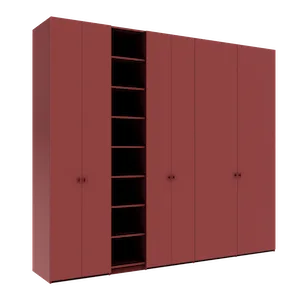
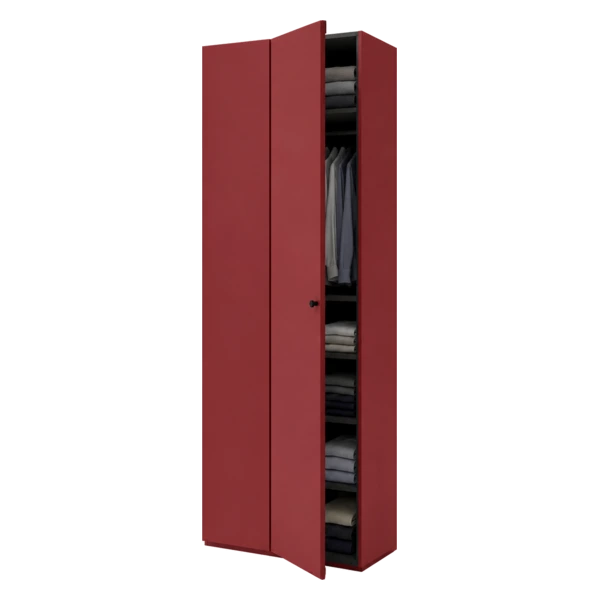
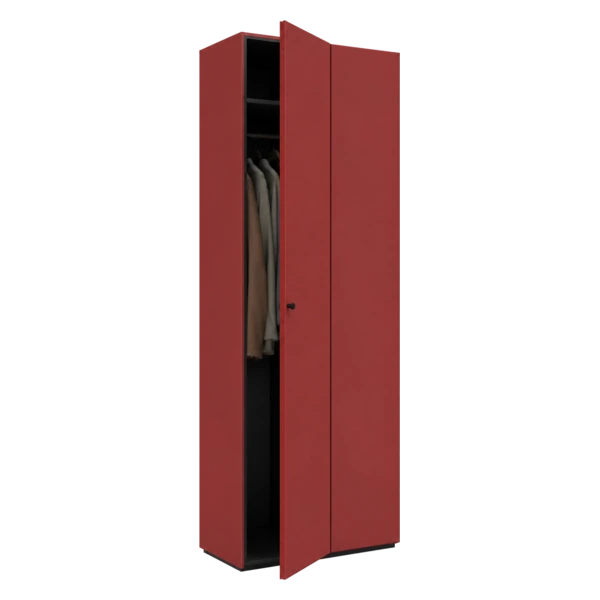
Start by configuring the desired furniture in the Téchne configurator. Choose dimensions, materials, doors, interior compartmentalization, and all details. As you configure, the 3D model updates in real time — you can rotate it from any angle, open doors virtually, and check the interior.
Step 2: Press the AR button
After finalizing the configuration, press the AR button in the configurator toolbar (the icon of a phone with a 3D cube). The system automatically exports the configured 3D model — the process takes 1-2 seconds, depending on configuration complexity.
Step 3: View the 3D model in the modal
A modal window opens with your 3D model, using Google Model Viewer technology. Here you can rotate, zoom in and out before placing it in your room.
Step 4: Place in your room (on mobile)
On your phone, press the "View in your room" button. Your phone camera activates, and the app automatically detects the floor surface in your room. Place the model on the floor, next to the wall, and see it at real-life dimensions, integrated into your space.
- iOS (iPhone/iPad): uses AR Quick Look — no additional app installation required
- Android: uses Google Scene Viewer or WebXR — works directly in the browser on most recent phones
Step 5: Explore and evaluate
Once placed in the room, you can:
- Physically walk around the virtual furniture to see it from all angles
- Check if the dimensions fit the available space
- Observe how the furniture color looks under the real light in your room
- Evaluate if the style matches the rest of your decor
What works on desktop (laptop/PC)
The direct AR experience (with camera) only works on mobile devices. But if you configure on a laptop or PC, you have three options to send the configuration to your phone:
- Email — save the configuration and send the link via email
- WhatsApp — send the configuration link directly on WhatsApp to open on your phone
- Copy link — copy the configuration URL to clipboard and open it on your phone
Once opened on your phone, press the AR button and the experience is identical.
Real benefits of AR for furniture
Avoid sizing mistakes
The most common mistake when buying furniture is incorrectly estimating dimensions. A 250 cm wardrobe sounds reasonable on paper, but when you see it in your real room, you realize it blocks an outlet, covers the window edge, or does not leave enough passage space. With AR, these problems become instantly visible before ordering.
See colors in real light
Colors look different on screen versus in reality. A natural oak that looks warm on a monitor might appear too yellowish in your room with cool LED light. AR uses the real light in your room to display materials, giving you a much more faithful image of the final result.
Share with family before deciding
Furniture decisions are usually made as a couple or family. With AR, you no longer have to explain how the wardrobe will look — you show it directly, in the real room. Send the link via WhatsApp, each family member visualizes on their own phone, and you make the decision together, based on a concrete image, not imagination.
Compare variants quickly
Not sure whether to choose white chipboard or grey oak? Configure both variants, place them one at a time in your room via AR, and compare directly. The process takes a few minutes, requires no showroom visit, and does not depend on a designer's availability.
Téchne: the only Romanian manufacturer with integrated AR
Téchne is the only furniture manufacturer in Romania that offers augmented reality integrated directly into the online configurator. You do not need additional apps, you do not need a special account — configure, press AR, and see the result in your room.
In addition to AR, the Téchne configurator offers:
- Complete 360-degree 3D visualization — free rotation from any angle
- GLB export — download the 3D model for architects or interior design software (SketchUp, Blender, etc.)
- Real-time pricing — every modification instantly updates the price
- Save and share — the configuration is automatically saved with a unique link
Frequently asked questions about AR
Does it work on my phone?
Yes, on most phones manufactured after 2018. iOS 12+ and Android 8+ support the AR experience. On older phones, the 3D functionality remains available; only the room placement is not supported.
Do I need to install anything?
No. The AR feature relies on native operating system technologies (ARKit on iOS, ARCore on Android) and Google Model Viewer, which works directly in the browser.
Are the dimensions accurate?
Yes. The exported 3D model respects the exact configured dimensions — to the centimeter. If you configured a 247 cm tall wardrobe, it will appear in AR at exactly 247 cm.
Can I see the wardrobe interior in AR?
The AR model includes the compartmentalized interior — you can see shelves, clothing rails, and drawers. Doors are displayed in the closed position in AR.
Try it now — free, no account needed
The AR feature is available for free for any configuration. No account required, no registration needed. Configure the furniture, press the AR button, and see the result in your room in less than 2 minutes.
The technology behind AR
The Téchne AR feature is built on an ecosystem of modern technologies:
- GLB/glTF — the industry-standard format for 3D models on the web. Each configuration is exported as a GLB file containing geometry, materials, and textures — everything needed to visualize the furniture
- Google Model Viewer — the web component developed by Google that displays 3D models directly in the browser, without plugins or additional apps. Natively supports AR on iOS and Android
- ARKit (iOS) — Apple's framework for augmented reality. Uses LiDAR (on iPhone Pro/iPad Pro) or the standard camera to detect flat surfaces (floor, table) on which to place the virtual object
- ARCore (Android) — Google's equivalent of ARKit. Works on most recent Android phones (full list at developers.google.com/ar/devices)
All these technologies work transparently for the user — you press a single button, and the system does the rest automatically.
AR limitations — what to keep in mind
Like any technology, AR has some limitations you should know about:
- Room lighting — AR works best in well-lit rooms. In darkness or semi-darkness, surface detection may fail or be inaccurate
- Reflective surfaces — glossy marble floors or very shiny hardwood can confuse surface detection. In such a situation, place a rug or a sheet on the floor as a reference point
- Large dimensions — a wardrobe over 300 cm wide requires you to physically move further from the wall to see it entirely. In a small bedroom, you might not be able to step back enough
- Colors — although AR displays materials in real light, colors are still an approximation. For the final color decision, we recommend ordering physical material samples. How to order samples
AR combined with other Téchne features
Augmented reality does not work in isolation — it integrates with all other configurator features:
- Save configuration + AR — save the configuration with a unique link, then open it on your phone whenever you want to recheck the room placement
- Price comparison + AR — configure two variants (for example, one with chipboard doors and one with painted MDF doors), place them one at a time in your room via AR, and decide which justifies the price difference
- GLB export for architects — if you work with an interior designer, the GLB export allows integrating the model into professional projects (SketchUp, Blender, 3ds Max). The architect can see your exact furniture in the complete room rendering
- Share with assembly team — send the configuration link to the team doing the installation. They can visualize in AR exactly what the final product looks like, facilitating installation planning
Concrete use cases
Bedroom: place the configured wardrobe on the wall behind the bed. Check if the open hinged doors hit the nightstand. Observe if the door mirror reflects the window (desired effect) or the bathroom door (undesired effect).
Hallway: place the hallway wardrobe and check if the hinged doors open without blocking the entrance. Verify if the 45 cm depth leaves enough passage corridor.
Living room: place the TV unit on the dedicated wall. Check the proportion with the TV, distance to the sofa, and whether colors harmonize with the existing flooring. TV wall guide.
Kids' room: place the wardrobe and check if the clothing rail is at a height accessible to the child. Verify if enough play space remains in the room. Kids room furniture guide.
From visualization to order
The complete flow, from first idea to final order, looks like this:
- Configure in the 3D configurator — dimensions, materials, compartmentalization
- Visualize in 3D — rotate, open doors, check the interior
- Test in AR — place in the real room, check dimensions and proportions
- Adjust — if something does not fit, modify and retest
- Save and share — send the configuration to family for approval
- Order — add to cart, finalize the order with palletized delivery
Every step is transparent, with the price visible at all times. No negotiations, no billing surprises. The intelligent configurator automatically validates every choice you make — from dimensions to materials — so the AR visualization reflects a real product that can be manufactured exactly as shown.
Configure a wardrobe and test the AR feature