
From Idea to Room: The Configurator and Room Planner
The complete Téchne workflow: how to go from idea to 3D visualization and order, using the furniture configurator and Room Planner.
A seamless process, from inspiration to delivery
Téchne has built a complete digital ecosystem that guides you from your first idea to furniture installed in your home. Two tools work together: the furniture configurator for designing each piece and the Room Planner for in-context visualization. Here's how the complete workflow works, step by step.
Stage 1 — Inspiration
Everything starts with an idea. Maybe you saw a beautiful bedroom on Instagram, maybe you need more storage in the hallway, or maybe you've moved to a new apartment. Browse the wardrobe collection for inspiration or read our guides on choosing colors and how the process works.
You don't need a clear plan from the start. Téchne is built for exploration — you can test ideas with no obligations and no cost.
Stage 2 — Furniture configuration
Choose and customize
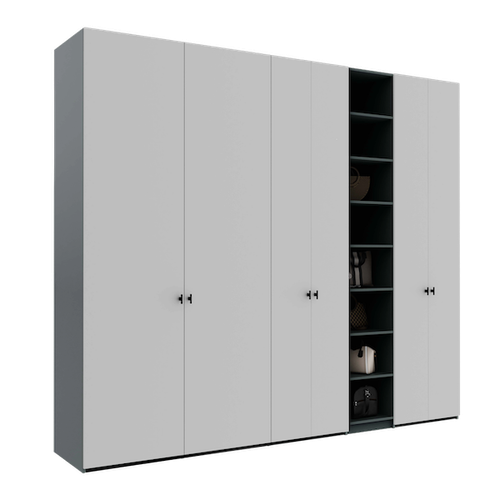
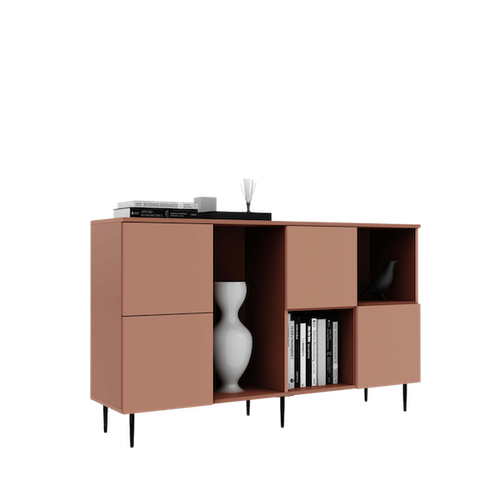
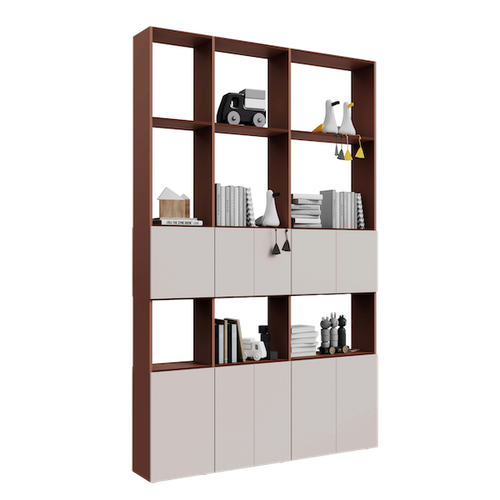
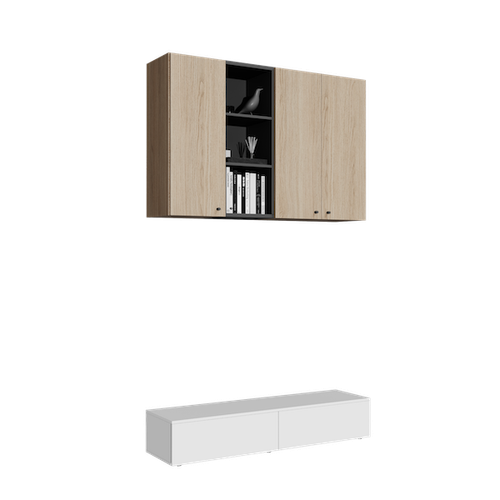
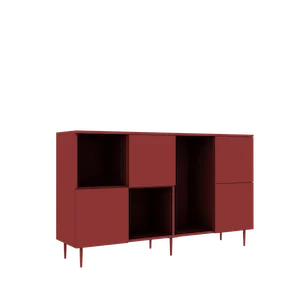
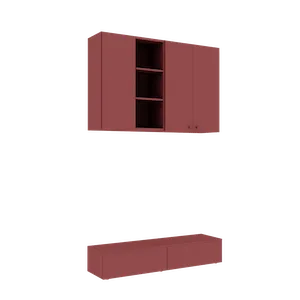
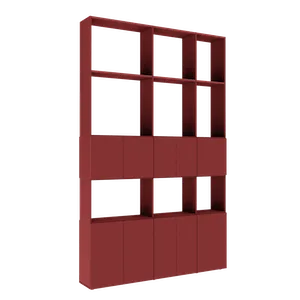
Open the configurator for your desired furniture type: wardrobe, dresser, wall-mounted unit, or room divider. Each configurator gives you complete control: millimeter-precise dimensions, door types, front colors, interior organization with shelves, drawers, and clothing rails.
Changes reflect instantly in the 3D model. Rotate the piece, open doors virtually, check the interior — all before adding to cart. Use the price calculator to see the exact cost of each piece.
Add to cart
When the piece is ready, add it to cart. Repeat for each furniture piece you need. The cart keeps all your configurations and automatically syncs them with Room Planner — the "✓ In cart" badge visually confirms each piece.
Stage 3 — Visualization in Room Planner
From the cart, click "Visualize in room | Room Planner". Define the room (dimensions, flooring, doors, windows, structural elements) and drag furniture from the cart into the virtual space. Smart snap automatically aligns pieces to walls and to each other.
This is where the magic happens: all configured pieces appear with real models — the same colors, doors, and proportions from the configurator. Switch between 3D view, 2D plan, and per-wall elevations. If something doesn't fit, double-click the piece — the configurator opens, make changes, save, and Room Planner updates instantly.
Stage 4 — Validation and ordering
Export a PNG screenshot to discuss with your partner or designer. On mobile, the AR (Augmented Reality) feature projects furniture into your real room — the most faithful preview possible.
The total price of the entire composition is visible in real time. When everything looks perfect, add pieces to cart directly from Room Planner and complete your order. The scene saves automatically with 50 undo/redo steps, so you can return anytime.
Stage 5 — From screen to your room
After completing the order, the Téchne team takes over the project. Furniture is manufactured according to the exact specifications from the configurator — the same dimensions, materials, and colors you saw and validated in Room Planner. Professional delivery and installation complete the experience.
The entire process — from inspiration to delivery — is transparent with no surprises. Start in Room Planner or request a free consultation if you prefer personalized guidance. Your perfect furniture is just a few clicks away.