
5 Online Furniture Ordering Mistakes and How to Avoid Them
The most common mistakes when ordering furniture online: wrong dimensions, mismatched combinations, and how Room Planner helps you prevent them.
Why mistakes happen and how to prevent them
Ordering furniture online offers convenience and better prices, but it comes with a risk: you can't touch or see the product in your real space before delivery. That's exactly why we created the Téchne Room Planner — to eliminate uncertainty so you can order with confidence. Here are the 5 most common mistakes and how to avoid them.
Mistake 1 — Eyeballing dimensions
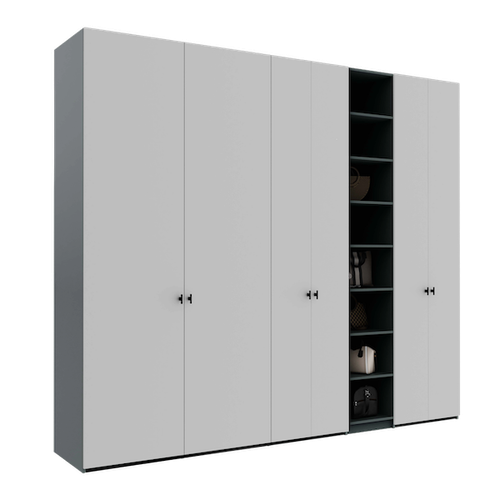
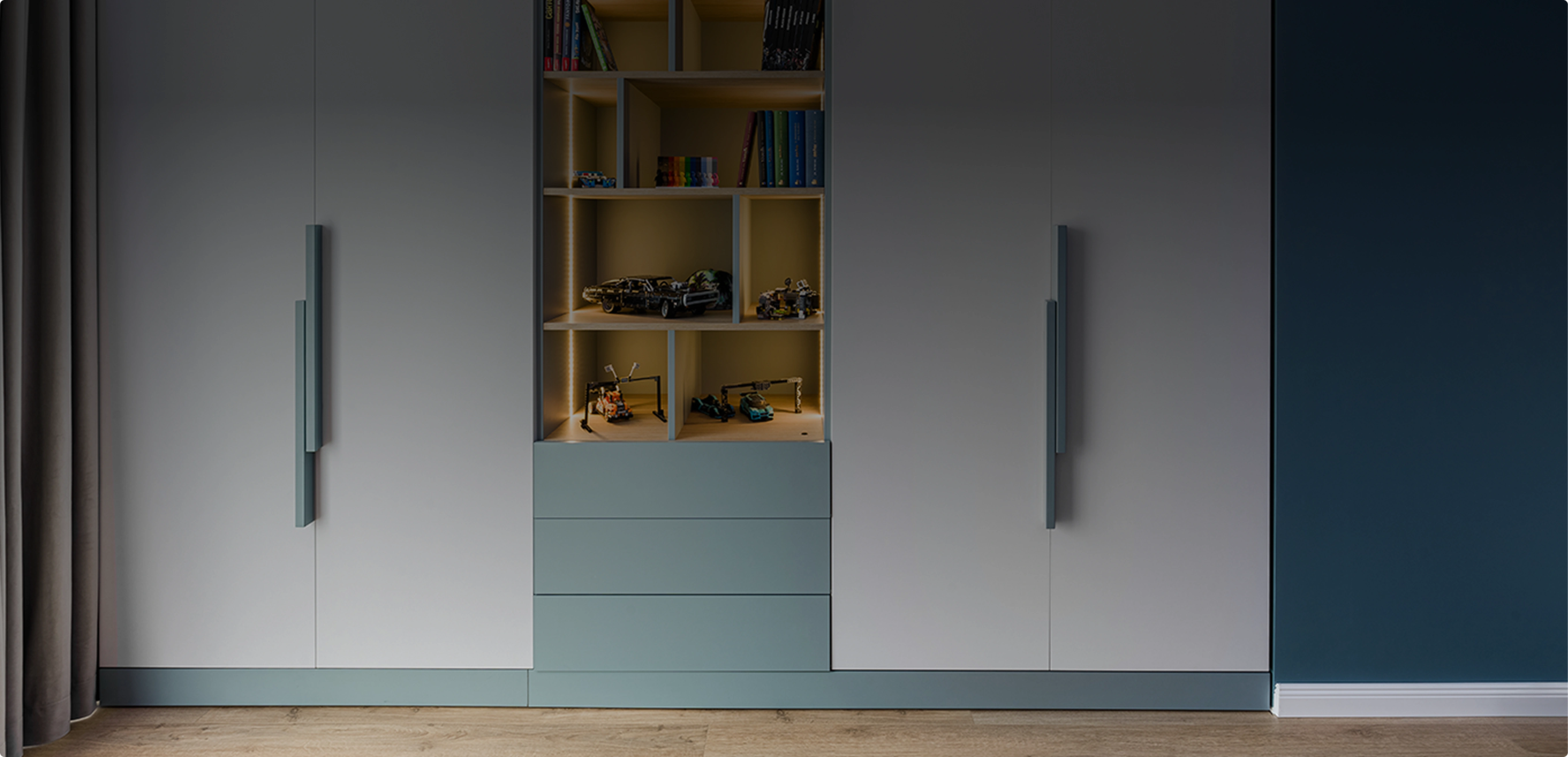
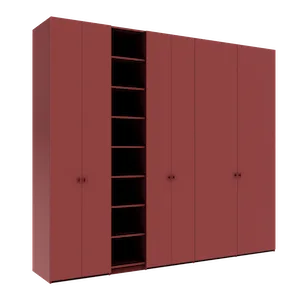
The most expensive mistake is ordering furniture based on rough estimates. A 240 cm wide wardrobe seems to fit, but if the wall is 238 cm, you've got a serious problem.
The fix: Measure correctly and enter exact dimensions in Room Planner. The 3D visualization instantly shows whether the furniture fits or needs adjusting. Add structural elements — sockets, radiators, beams — so there are no surprises during installation.
Mistake 2 — Ignoring room proportions
A 260 cm tall wardrobe looks impressive in the configurator, but in a 12 sqm room with a 250 cm ceiling, it can feel claustrophobic. Proportions matter enormously.
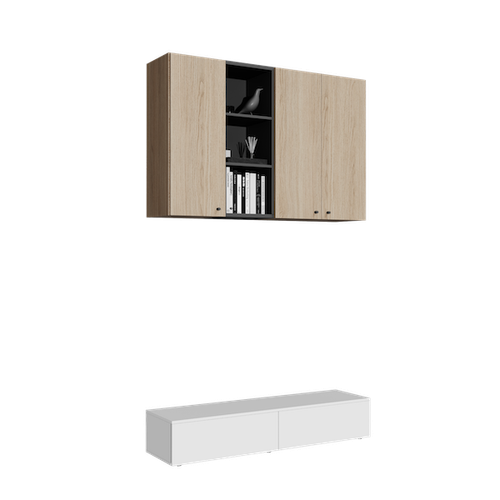
The fix: Room Planner shows furniture in your room's context, not in isolation. Switch between 3D view and 2D top-down plan to evaluate circulation space. Try wall-mounted units instead of floor furniture if space is limited.
Mistake 3 — Mismatched piece combinations
You order a wardrobe in natural oak and a dresser in anthracite gray, convinced they'll complement each other. At installation, you realize the tones don't work together.
The fix: In Room Planner, all pieces are visible simultaneously under the same lighting conditions. Compare colors and textures in context, not on different screens. Editing is instant — double-click any piece to open the configurator, change the color, and Room Planner updates on the spot.
Mistake 4 — Forgetting door and drawer clearance
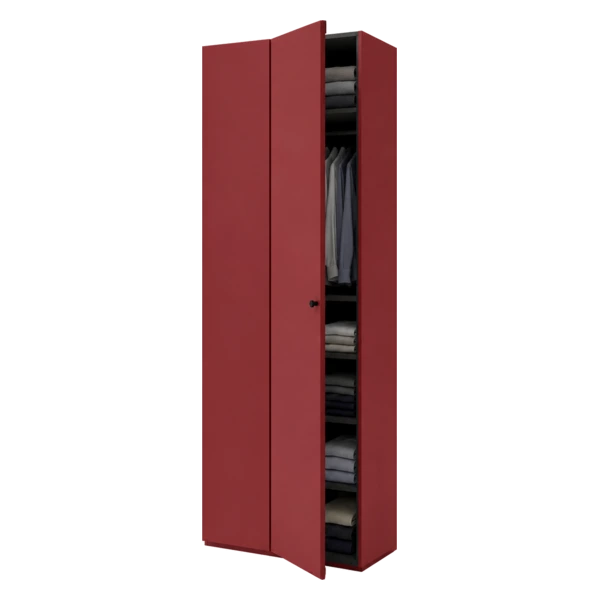
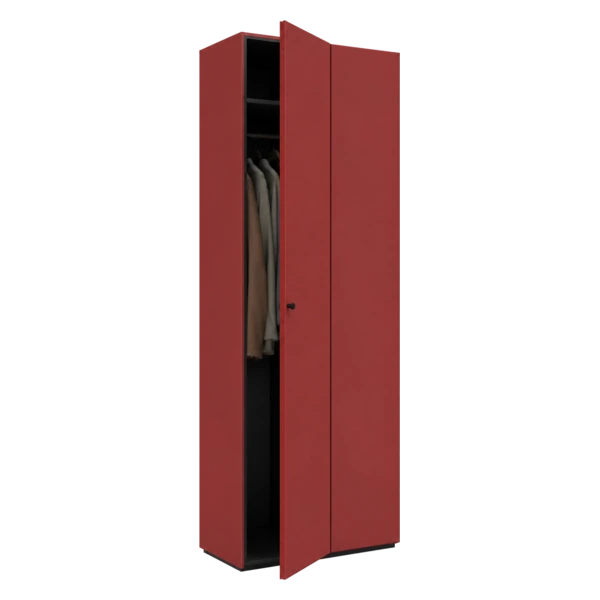
A wardrobe with hinged doors needs at least 60 cm of free space in front for opening. If the bed is too close, the doors won't open fully. Same goes for dresser drawers.
The fix: Per-wall elevations in Room Planner show exactly what's in front of each furniture piece. If space is tight, switch to sliding doors — directly from the visualization, without starting over. See the updated price in real time on screen.
Mistake 5 — Ordering without sharing the plan
You decide alone and your partner discovers at installation that the wardrobe blocks the window. Or the interior designer hasn't seen the composition before delivery.
The fix: Room Planner has a screenshot feature — export a PNG image of the room from any angle. Send it to your partner, designer, or the installer. On mobile, use the AR (Augmented Reality) feature to show furniture directly in the real room — the most convincing demonstration possible.
Order with confidence
All these mistakes share a common denominator: lack of visualization in context. The Téchne Room Planner eliminates guesswork. The scene saves automatically, you have 50 undo/redo steps, and you can experiment stress-free. Start now — it's free. If you need help, our consultation team guides you through every step.